Diagnostic / 6 min read
Is Your HubSpot Setup Actually Working?
Follow one real lead before you audit the whole portal

Asger Teglgaard
February 3, 2026
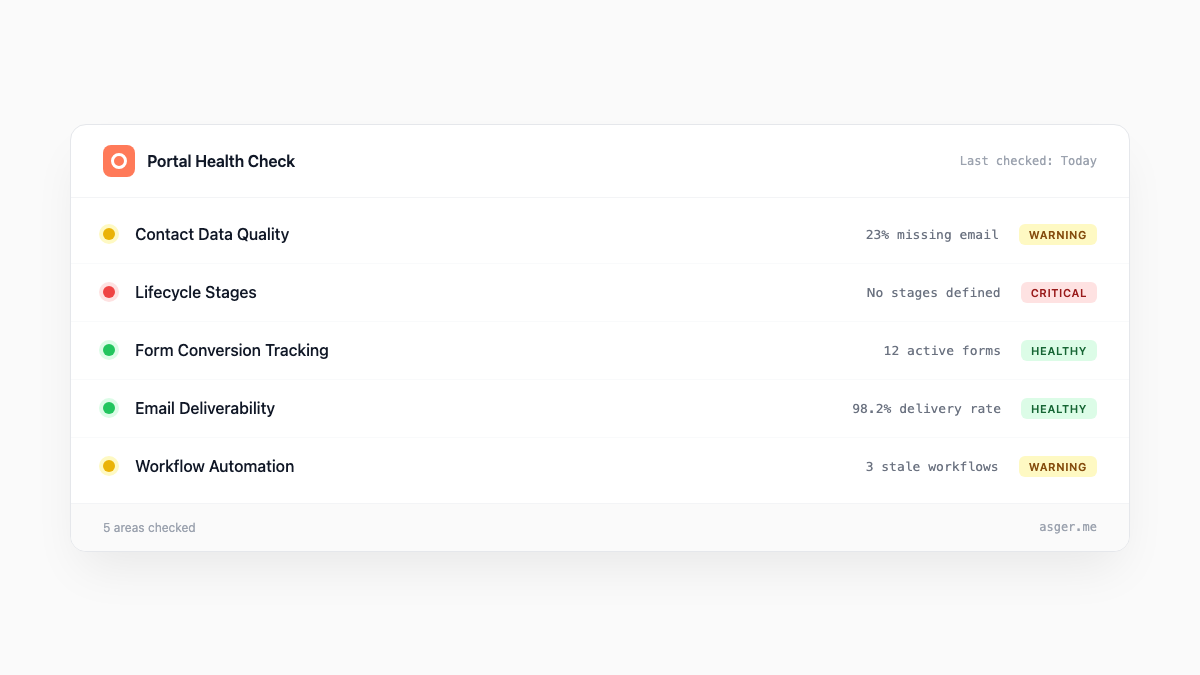
Most portals do not fail dramatically
The form still creates a contact. Emails still send. Dashboards still have numbers in them.
The trouble shows up when somebody asks a simple second question.
Why did this lead go to sales? Which field changed the lifecycle stage? Why does the campaign report disagree with the pipeline view? What happens if we edit this workflow?
If the answer requires the person who built the portal three years ago, the setup is not really working for the team.
Follow one real lead
I would not start with a score or a giant list of settings. I would pick a recent lead and follow it.
Start where the person entered. Check the form, integration, or import that created the record. Look at which properties were set, which workflows enrolled, when ownership changed, and where sales first saw it.
Then follow the same record into the report people use to judge performance.
That short journey usually exposes more than a portal-wide cleanup exercise. You see where a definition changes, where a field is doing two jobs, where a manual step fills an automation gap, and where the report quietly loses the original context.
Workflow names should tell the truth
Open the active workflows and read the names.
You should be able to understand the purpose, audience, and important action without opening every branch. “Lead routing - Denmark - inbound demo” is useful. “New workflow 2024 final v2” is archaeology.
Look at the recent history, not only the configuration. Which records enrolled? Which branches did they take? What failed? A workflow can look reasonable on the canvas and still behave badly because the data entering it is different from what the builder assumed.
Agents can help trace that logic and compare it with exports or documentation. The business decision still belongs to the people who know what “qualified” is supposed to mean.
Properties reveal old decisions
Custom properties accumulate because each one solved a problem once.
The useful questions are not simply how many exist. Ask which properties drive automation, reporting, segmentation, or sales action. Ask who owns the definition. Ask whether two fields are answering the same question in different language.
An empty field may be harmless. A heavily used field with three competing meanings is not.
This is why deleting old properties before mapping the logic is risky. Tidier is not the same as safer.
Connected does not mean understood
Check the apps and data sources feeding HubSpot. Then check what they actually send.
A connection can be green while some records fail, values map to the wrong property, or updates only move in one direction. The integration status tells you that the connection exists. It does not tell you whether the handover supports the way the company works.
The same goes for forms, ad platforms, product data, and spreadsheets. HubSpot is often the place where the inconsistency becomes visible, not where it started.
Reports are the last step, not the first
Pull one important number from two dashboards. If they differ, write down the definition behind each before deciding which is wrong.
Date fields, lifecycle stages, attribution models, filters, and delayed updates can all produce different answers from valid data. The team needs one agreed definition for the decision at hand, plus a clear route back to the source.
A dashboard is useful when somebody can explain the number without guessing.
What I would fix first
Map the lead journey, agree the definitions, and name the owners before rebuilding the automation around them.
Sometimes the answer is a small repair. Sometimes several workflows and fields need replacing. Sometimes HubSpot is fine and the real break sits in the website, the sales process, or a manual handover beside it.
That is why I prefer to diagnose the work around the portal before selling a portal cleanup.
If your setup mostly works but nobody trusts changing it, send me the symptoms.