Workflow / 6 min read
What AI Changes When It Sits Inside the Work
The prompt is the smallest part of the setup

Asger Teglgaard
January 25, 2026
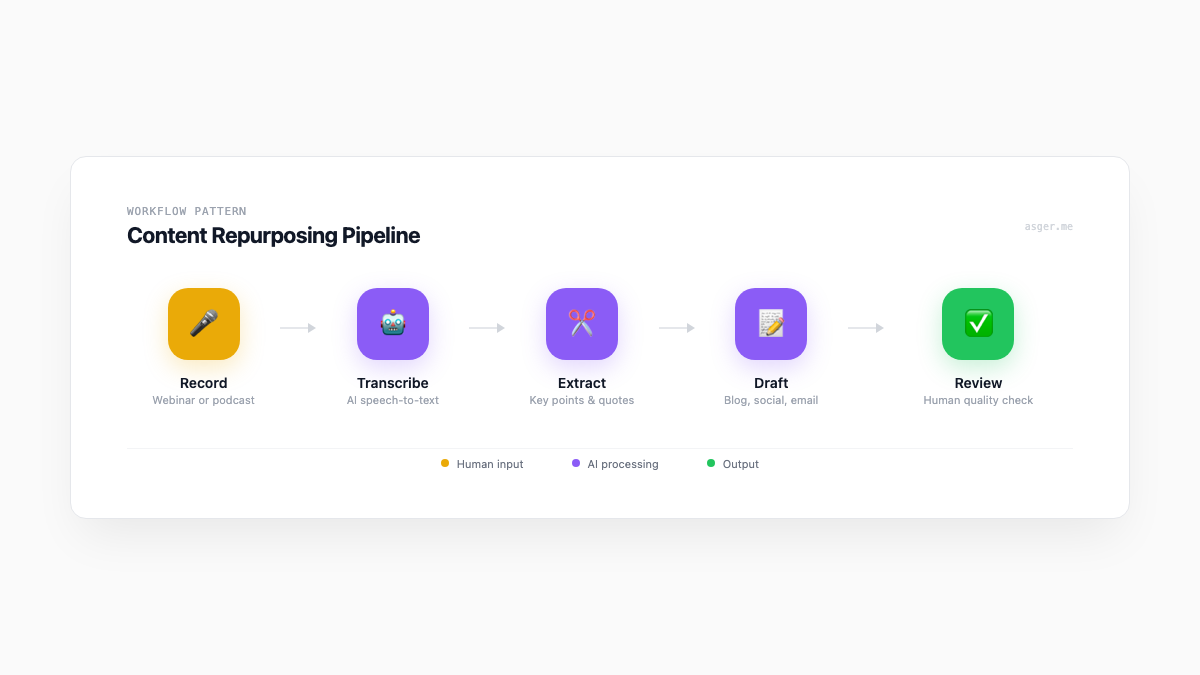
The prompt is the smallest part
Open a blank chat box and ask for ten ad ideas. You will get ten ad ideas.
That can be useful. It is also the least interesting part of how I use AI.
The bigger change happens when an agent has the working context around the task: what the product actually does, who the campaign is for, what sales keeps hearing, how the data is structured, which decisions have already been made, and what “done” means.
At that point it stops being a copy trick. It becomes part of the working setup.
Campaigns have a lot of invisible work
The ad is the visible bit. Before it, someone has to understand the product, find the useful audience, check the previous campaign, prepare the offer, connect the landing page, agree the tracking, and make sure sales knows what will arrive.
I use agents across that preparation.
One can work through source material and build a research note with links back to the evidence. Another can compare the proposed campaign with product claims and flag gaps. A third can check naming, URLs, tracking parameters, audience exclusions, and the handover document before anything goes live.
I still decide the angle. I still write or edit the important language. The agents make it less likely that a good idea reaches launch with three quiet operational holes underneath it.
Better output is useful. A better-run campaign is more useful.
Data becomes something I can question
Campaign exports are rarely clean enough to “ask the data” anything sensible on the first try.
Columns have changed names. Dates use different formats. One platform counts a conversion when a form opens and another counts it when the form submits. The CRM then applies its own definition.
An agent can help inspect the files, write the transformation, compare definitions, and surface odd changes. It can rerun the same checks when fresh data arrives instead of relying on me to remember the exact sequence from last month.
That does not make the model a source of truth. It makes the checking process easier to repeat.
I look at the flagged differences, trace them back to the systems, and decide whether we found a real commercial signal or a measurement problem wearing a nice chart.
Sometimes I build the missing piece
Teams often live with small gaps because a full software project would be absurd.
A list needs enriching before every campaign. A salesperson needs a cleaner view of account activity. Marketing needs to compare several sources without rebuilding the spreadsheet each week. Product needs the same customer language organised in a way the go-to-market team can use.
These are good candidates for a focused internal tool or script.
Agents shorten the distance between the rough need and a working version. I can build the narrow thing, put it in front of the people using it, change what is wrong, and document how it works.
It does not need to become a platform. It needs to remove the repeated bit of friction.
The handover matters as much as the build
The worst version of fast work is a pile of output nobody can operate after the person who made it leaves.
I keep agents involved in the working documentation: decisions, assumptions, data definitions, checks, and what changed. That context can sit beside the website, campaign, CRM workflow, or internal tool instead of being reconstructed six months later.
The documentation is not generated once and forgotten. It changes with the work.
What I do not hand over
An agent does not get to approve a product claim, decide which commercial risk is acceptable, or make a change in a client system simply because it can.
It does not own the relationship with the team. It cannot hear that two people use the same word to mean different things unless somebody notices and asks.
Priorities, access, judgment, and the final output stay human.
That is the setup I trust: agents deep in the work, with a person still clearly responsible for what happens.
If you want the shorter version, this is how the setup fits into my work. If you have a real workflow that keeps losing context, send me the messy version.